
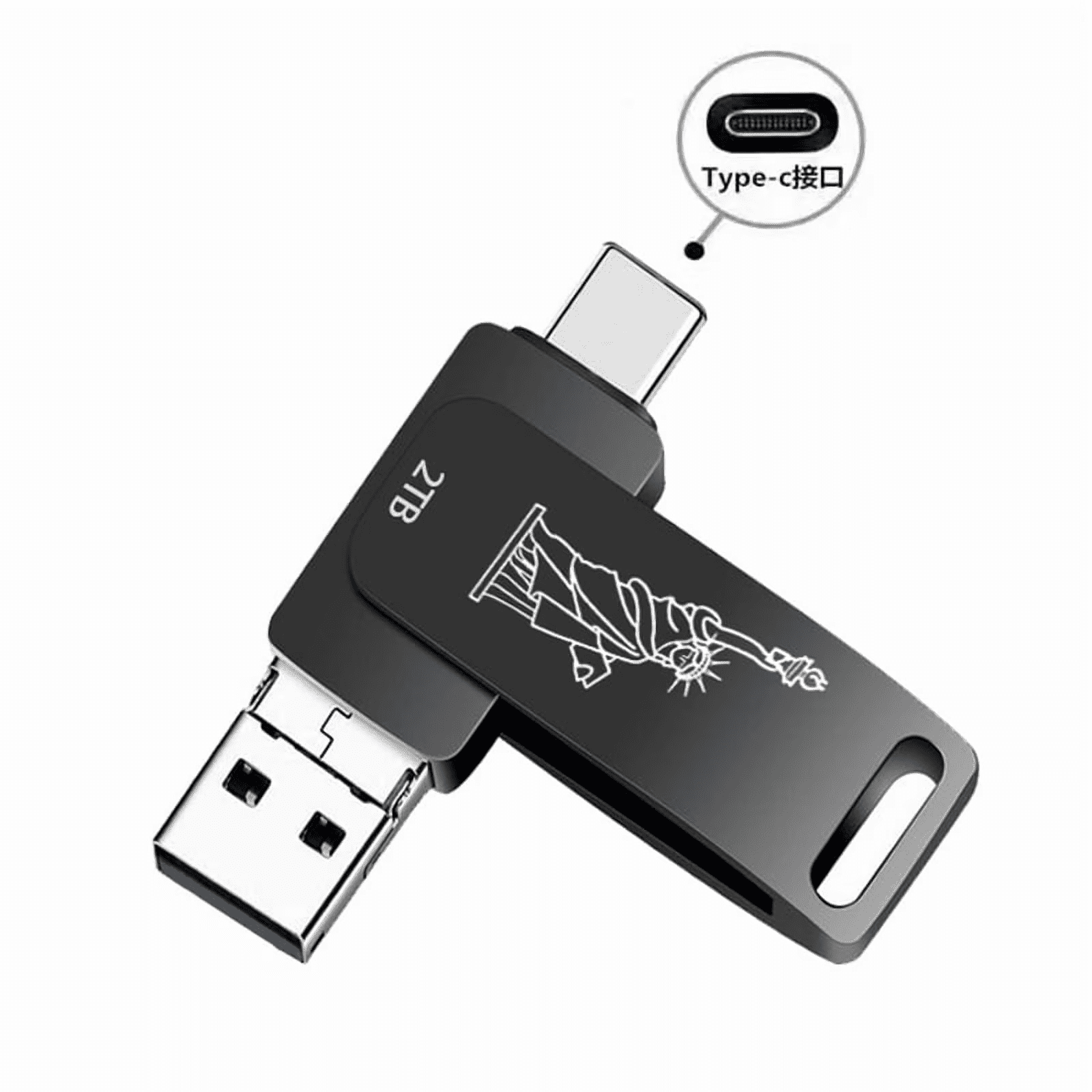
USB Flash Drive High-Speed Thumb Drive Type C Memory Drive Data Storage Pen Drive Jump Drive for PC/Laptop/Mobile
Product details
| Management number | 238544675 | Release Date | 2026/07/11 | List Price | US$10.42 | Model Number | 238544675 | ||
|---|---|---|---|---|---|---|---|---|---|
| Category | |||||||||
Solution to iPhone 15/15 Pro/Pro Max not recognizing the flash drive:<br> Method 1: Format the flash drive and change the format to EXFAT.<br><br> Formatting steps: Connect the flash drive to your computer → Double click on this computer → Right click on the disk → Select Format →Select EXFAT format.<br><br> Where can you find the flash drive on my phone?<br> Click on the 'File' APP and then click on 'Browse' to see the flash drive.<br><br> How to save files or photos to a flash drive.<br> Step 1: Open the album/file, select the data to be transferred, and click the send button in the lower left corner.<br> Step 2: Pull up the pop-up menu, find 'Save to File' and click on it (if this option is not displayed, you can click on "Edit Operation" below to find this option)<br> Step 3: Jump to the browsing interface,, select the save destination folder, and click "Save" in the upper right corner.
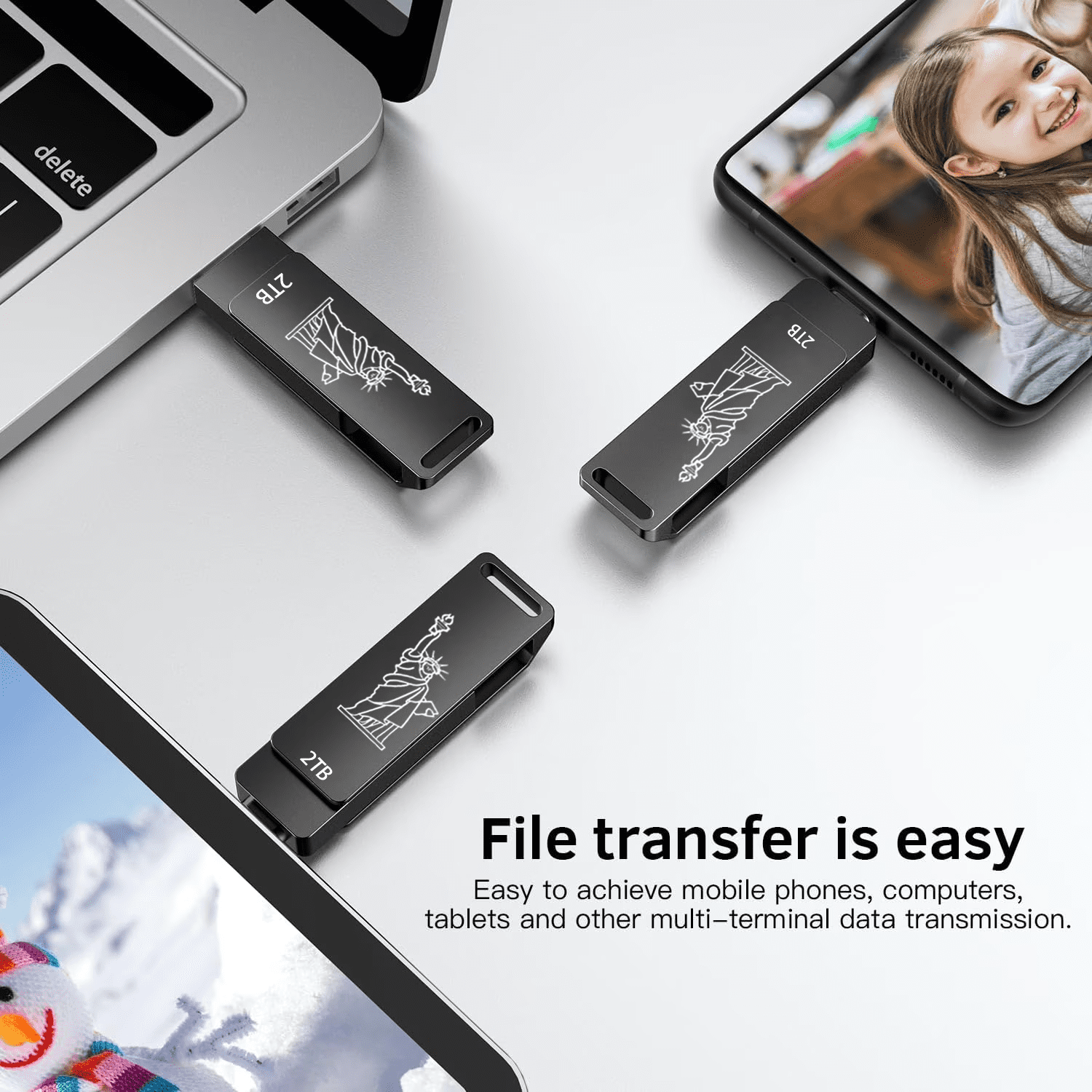
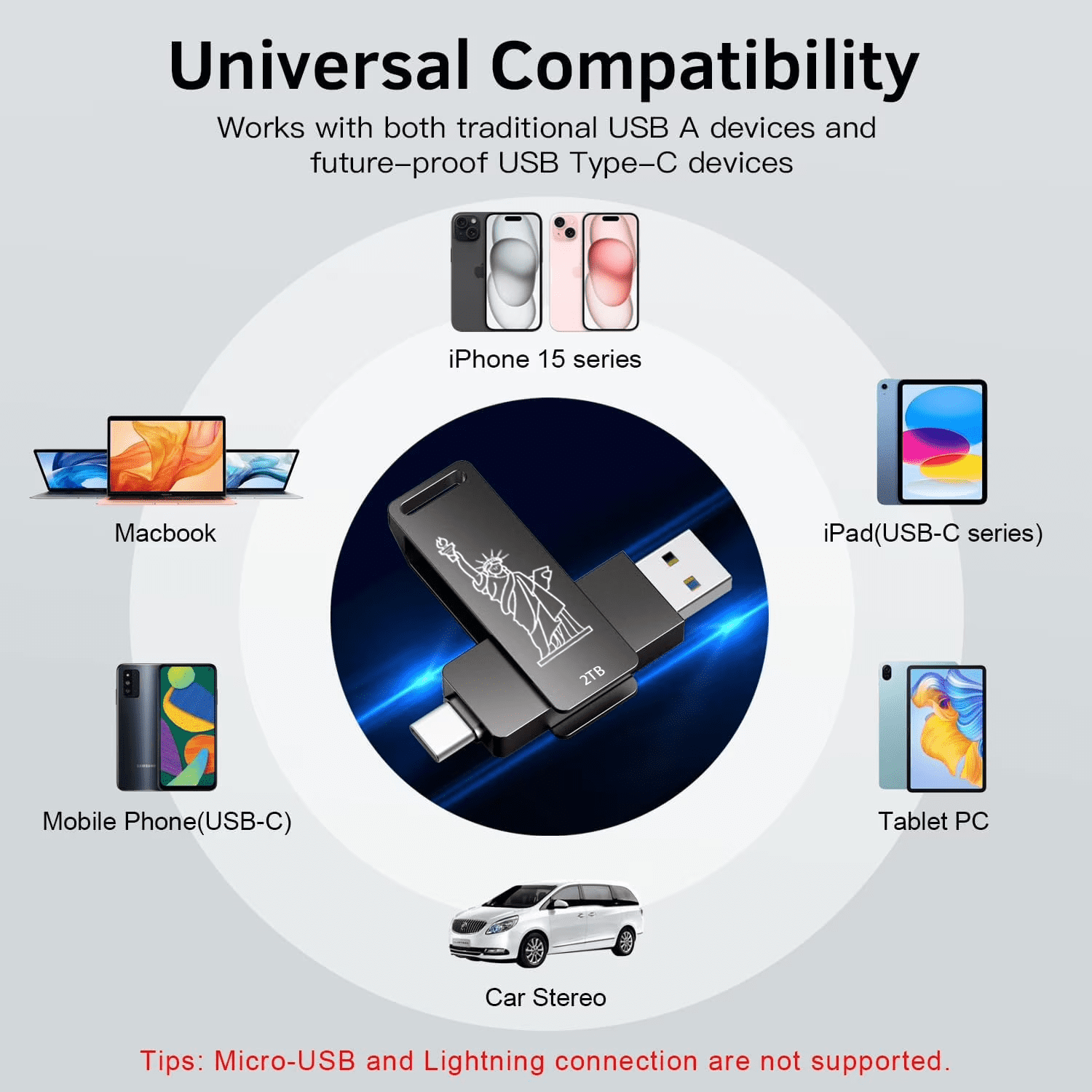
This USB C thumb drive compatible with Android USB-C OTG Android smartphones, iPhone 15/16 Series, tablets, PC, laptops,ipad pro,car audio systems, smart TV and More. Plug and play, just plug into your phone or computer to transfer without any cables and APP.| Data storage | 2 TB |
|---|---|
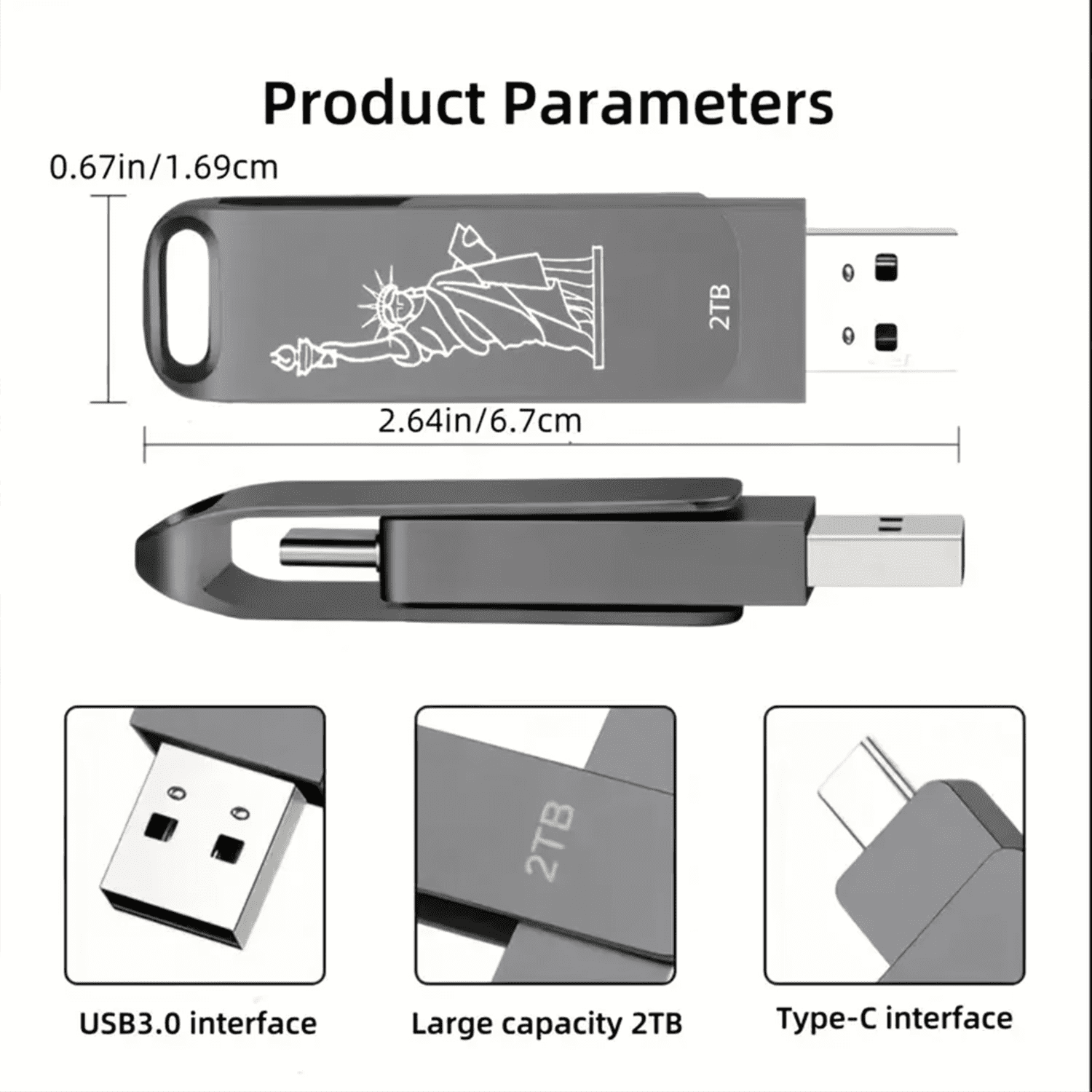
| Usb version | USB3.0 |
| Connection | USB C |
| Brand | RIMZNG |
| Accessories | 1Pcs 2TB Flash Drive(Black |
| Model name | LXMXTD |
| Character | 2-IN-1 |
| Dimensions | 0.60 x 2.75 x 4.30 in |
| Product net content parent | 1 Case |
Bestseller ranking
Computers


Customers who viewed this product also viewed
7 x 7 Sheds

Correction of product information
If you notice any omissions or errors in the product information on this page, please use the correction request form below.
Correction Request Form